MISS DATA-RIFFIC MEDICAL RECORDS ORGANIZER
✨ OPEN RECORD INDEX RIGHT NOW AND SEE WHAT YOU ARE ACTUALLY MISSING — WITHOUT DISCOVERING THE GAP MID-APPOINTMENT. ✨
MISS DATA-RIFFIC

$3
“Someone asks for a result I thought I had, and I realize the gap only when it is already too late to fix it.”
- Appointments happen at clinic after clinic, and your records end up scattered with no one place holding the whole file.
- I do not always know which record I actually have versus which one I only think I have.
- You may catch yourself promising to send something you cannot actually locate.
- You want to know the gap before the appointment, not while someone is waiting on you.
AND YOU MAY BE THINKING...
- Isn't this just a folder of papers? — No. Record Categories and Record Index give the papers a working structure, so a gap is visible instead of hidden.
- What if I'm missing something from an old clinic? — The Record Request Log is built for exactly that — one place to track what you have asked for and from whom.
- Do I have to organize everything at once? — No. Start with Record Categories and add to the index as you go.
- Can I keep summaries once I have the records? — Yes. Summary Capture is a fillable page for exactly that.
NOW IMAGINE...
- You open Record Index and see, at a glance, which categories are actually filled in.
- You write the missing one into Record Request Log before the appointment, not during it.
- You save the summary once it arrives, in the same file, next to everything else.
- You feel like the patient who has a complete file, not the one still promising to send something.
THAT IS EXACTLY WHY I CREATED THIS ORGANIZER
- I wanted the gaps in a scattered file to be visible before an appointment, not during one.
- This organizer gives you record categories, a working index, a record-request log for what is missing, and a place to capture summaries once you have them.
- Open Record Index, find what is blank, and write the request before you need it answered.
EXPLANATION OF THE PRODUCT
- This resource includes 4 organizing sections in one interactive file.
- Helps you see which records you have and which you are missing, before an appointment.
- Covers Record Categories, Record Index, Record Request Log, and Summary Capture.
- Fillable fields record your own file across every clinic you have touched.
- Save your work to a file on your own device and reopen it later.
- Your next move: Open Record Index and see what is actually filled in.
WHAT IS INCLUDED IN THIS PRODUCT
YOUR RECORD STRUCTURE
- Record Categories — the categories a complete file actually needs.
- Record Index — one working index across every clinic you have touched.
CLOSING THE GAPS
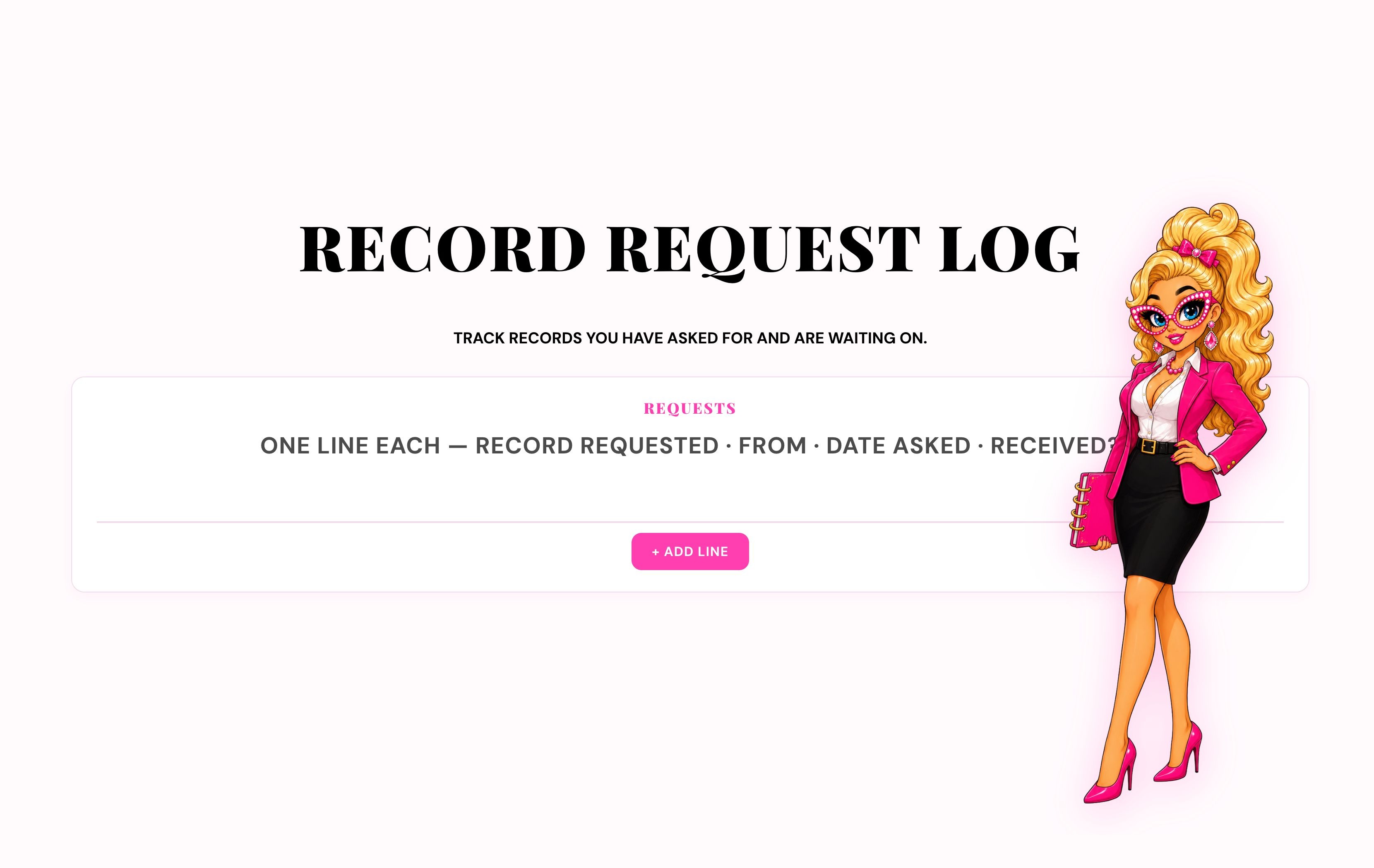
- Record Request Log — track what you have asked for, from whom, and whether it arrived.
- Summary Capture — a place to save the summary once a record arrives.
- Notes.
HOW TO USE IT
- Open Record Categories and see the full structure.
- Mark what you already have in Record Index.
- Write the gap into Record Request Log before your next appointment.
HOW THIS PRODUCT IS DIFFERENT FROM OTHER PRODUCTS
- A stack of papers holds isolated results. — This maps them into one working index across every clinic.
- A single clinic's own portal only holds its own piece. — This keeps your whole file complete, not just one provider's slice of it.
- It does not request the records for you. — It gives you the log to track the request yourself, so nothing gets lost.
- See the gap, log the request, and capture the summary once it arrives.
REASONS WHY YOU NEED THIS PRODUCT NOW
- Open Record Index now, while you can still check what you actually have.
- The next appointment is already coming, whether or not the gap is visible yet.
- Waiting does not fill in the gap — the same missing record is still missing at the next visit.
- Without a request logged, the same gap can surface again mid-appointment.
- You can open Record Categories today and start with what you already have.
HERE’S WHAT YOU GET
- Miss Data-Riffic Medical Records Organizer
- Interactive digital HTML organizer
- Built-in Print / Save PDF control
- Record Categories + Record Index
- Record Request Log + Summary Capture
- SAVE/
OPEN file controls - Price: $3